Platform
macOS
Categories
Photo & Video
Release Data
20.05.2026
Making Video Conversion Predictable on macOS
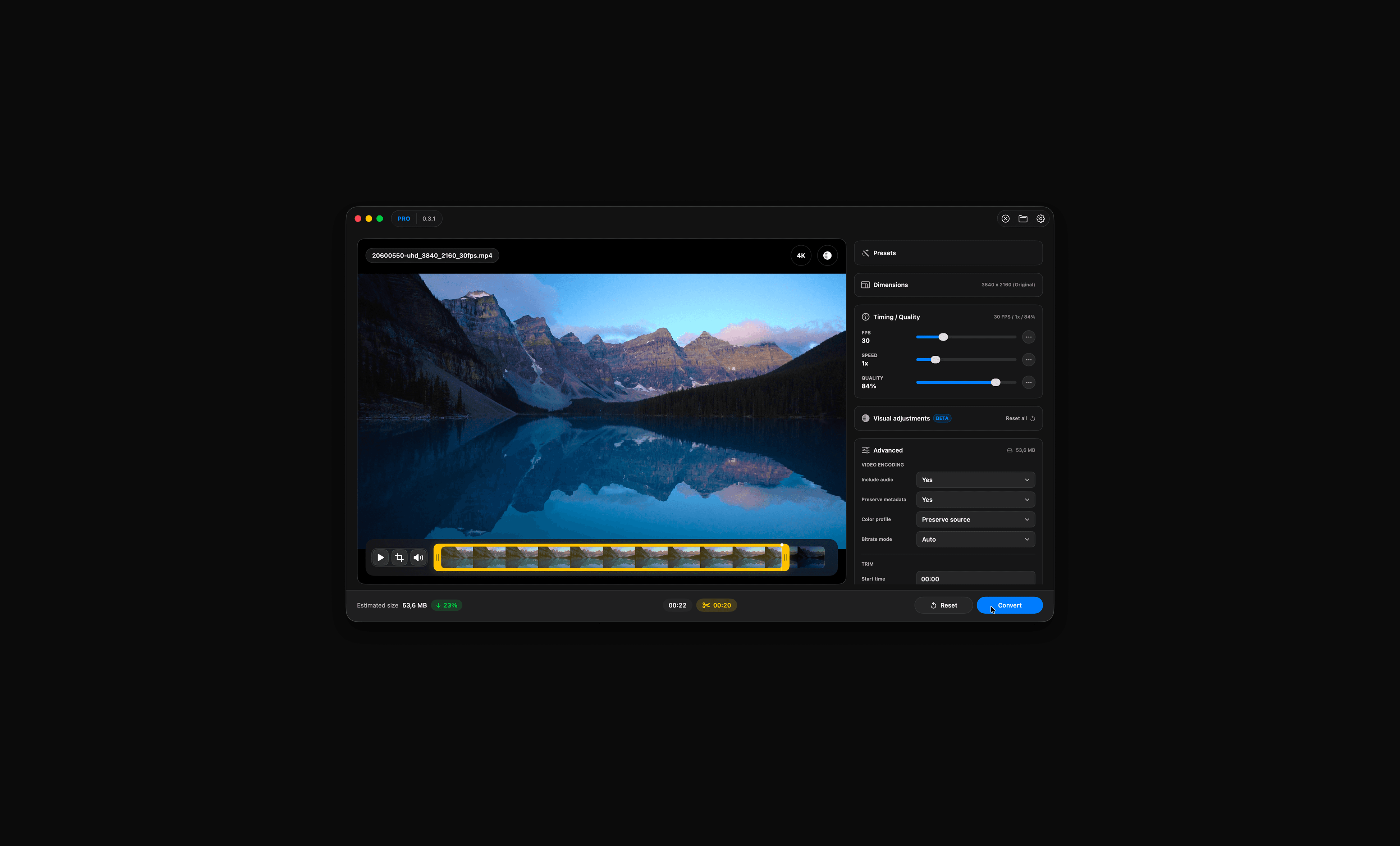
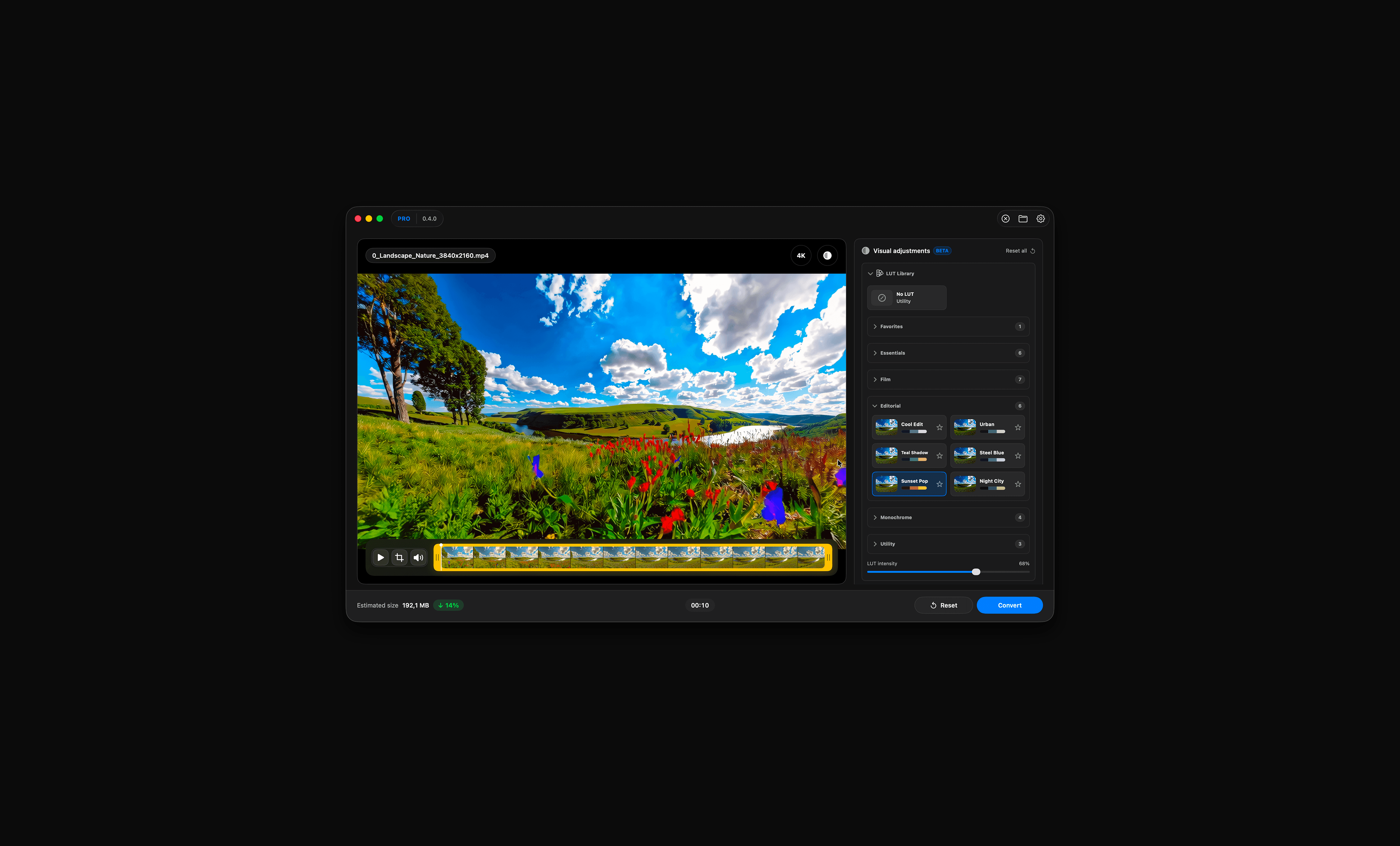
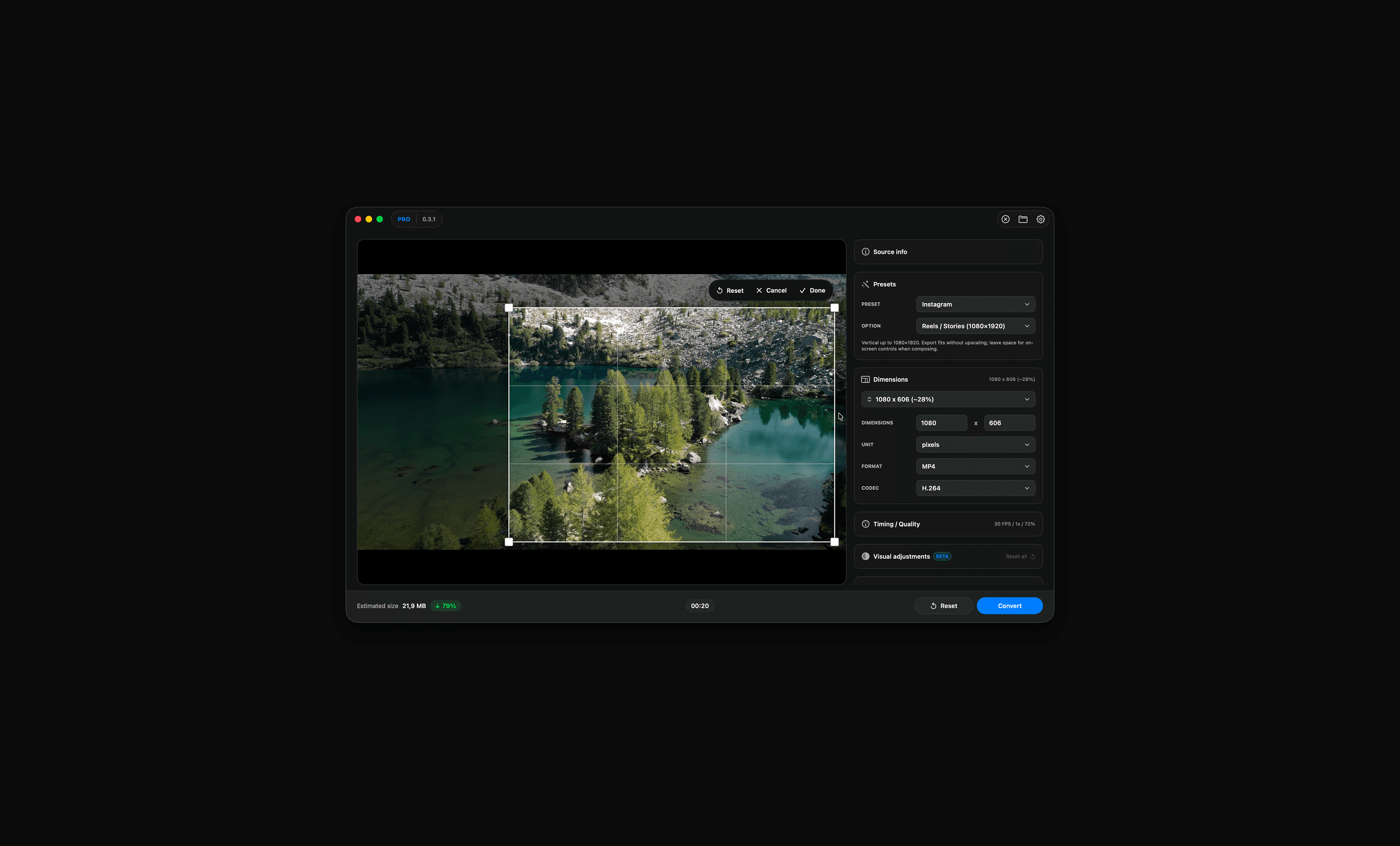
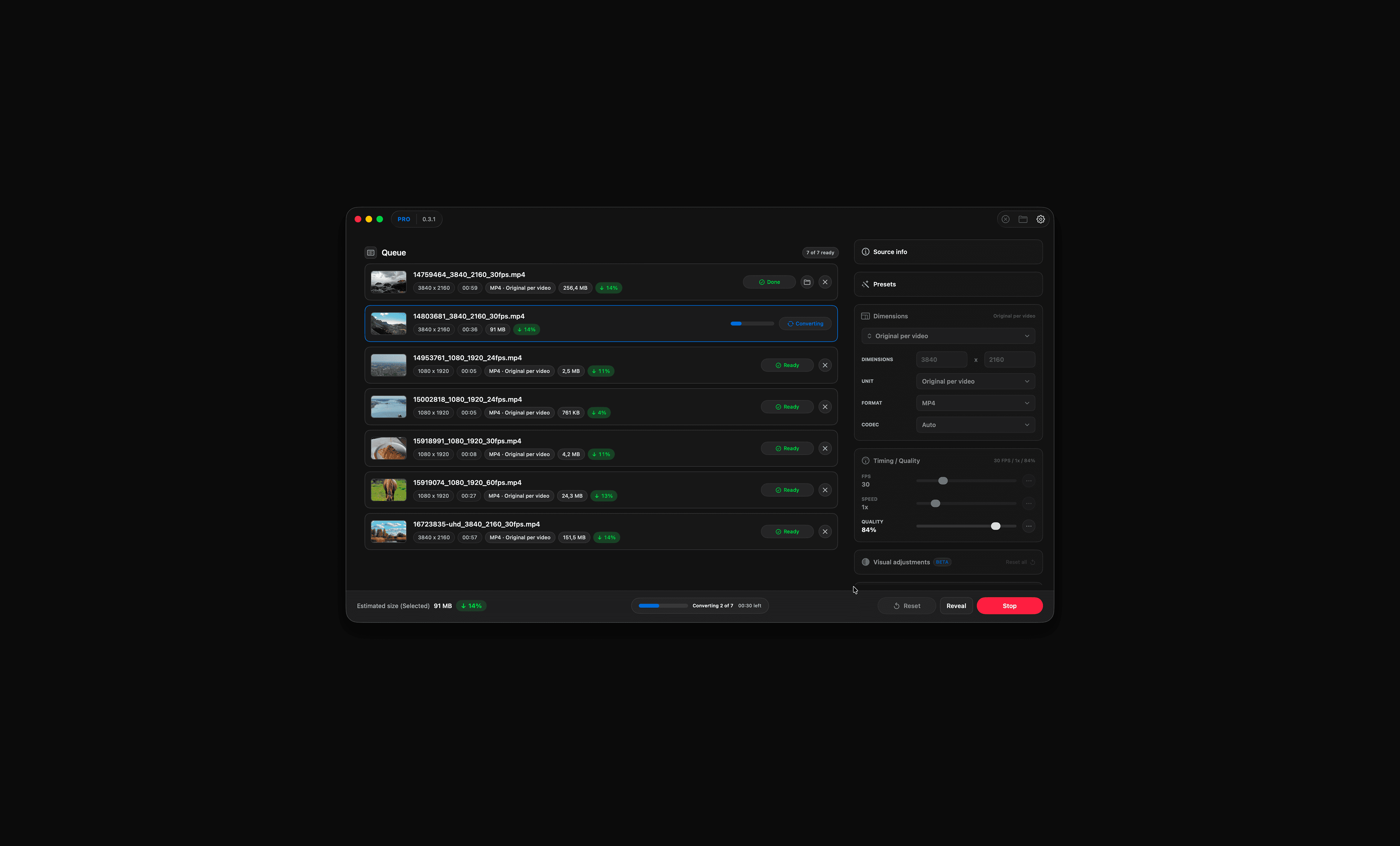
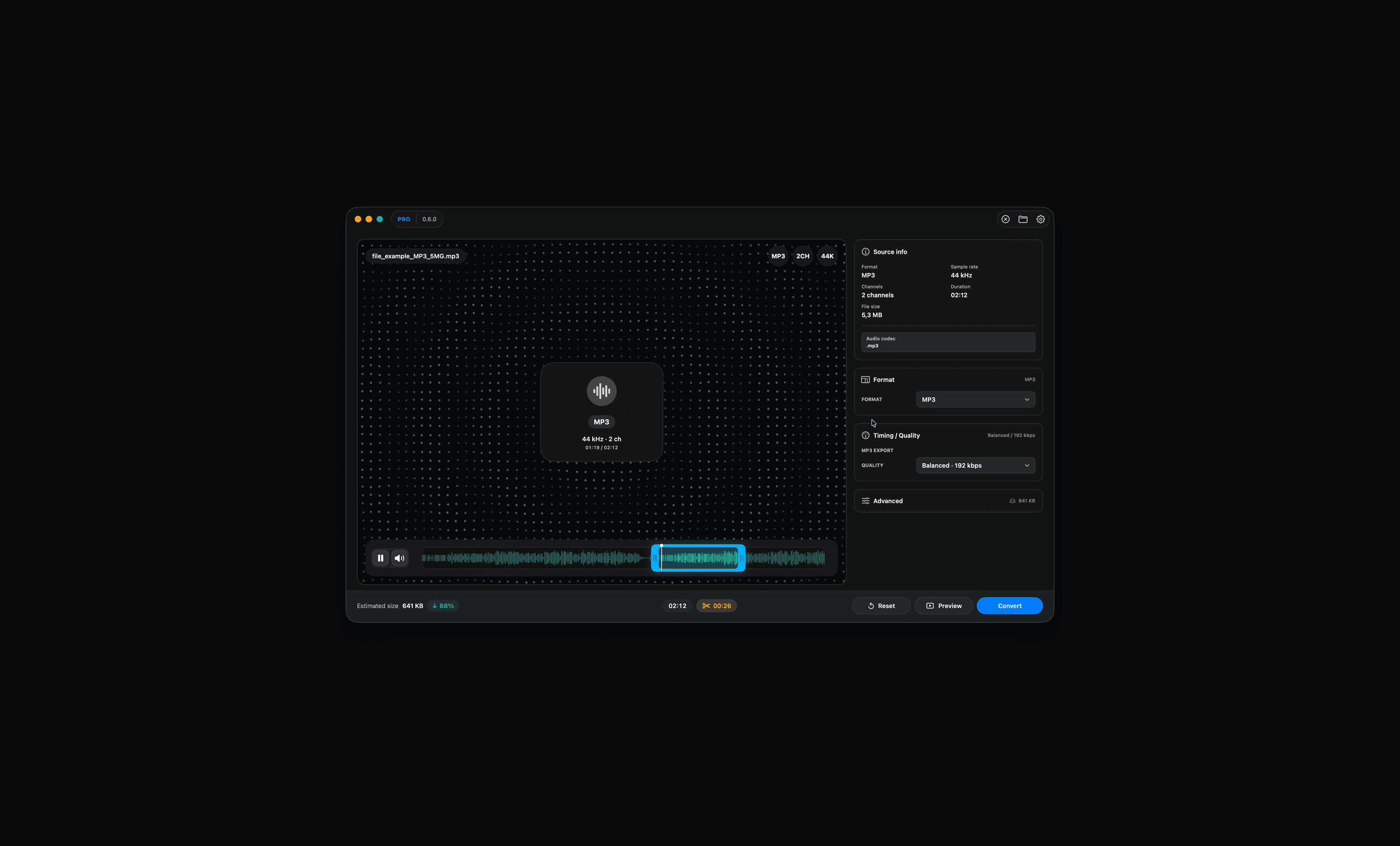
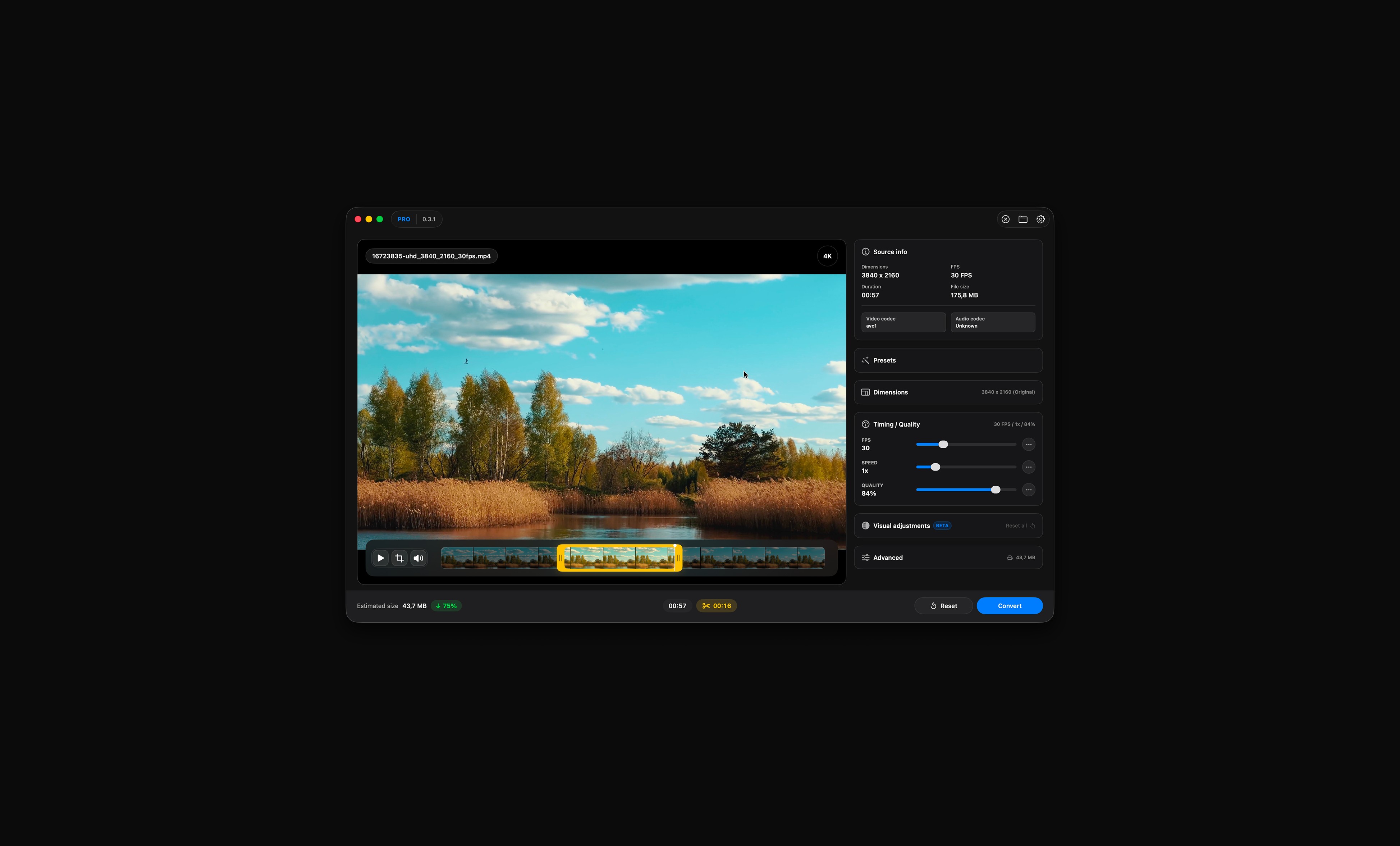
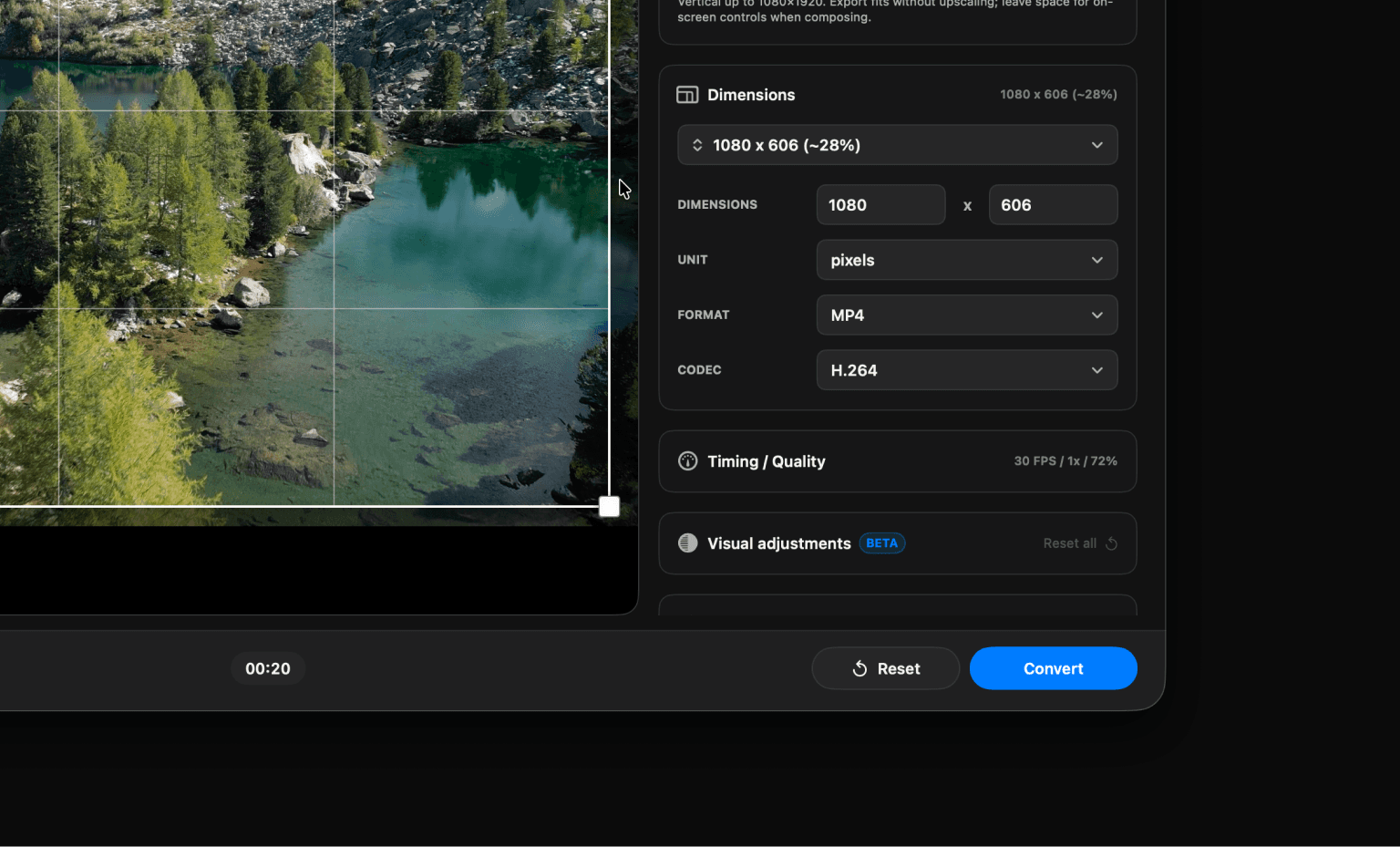
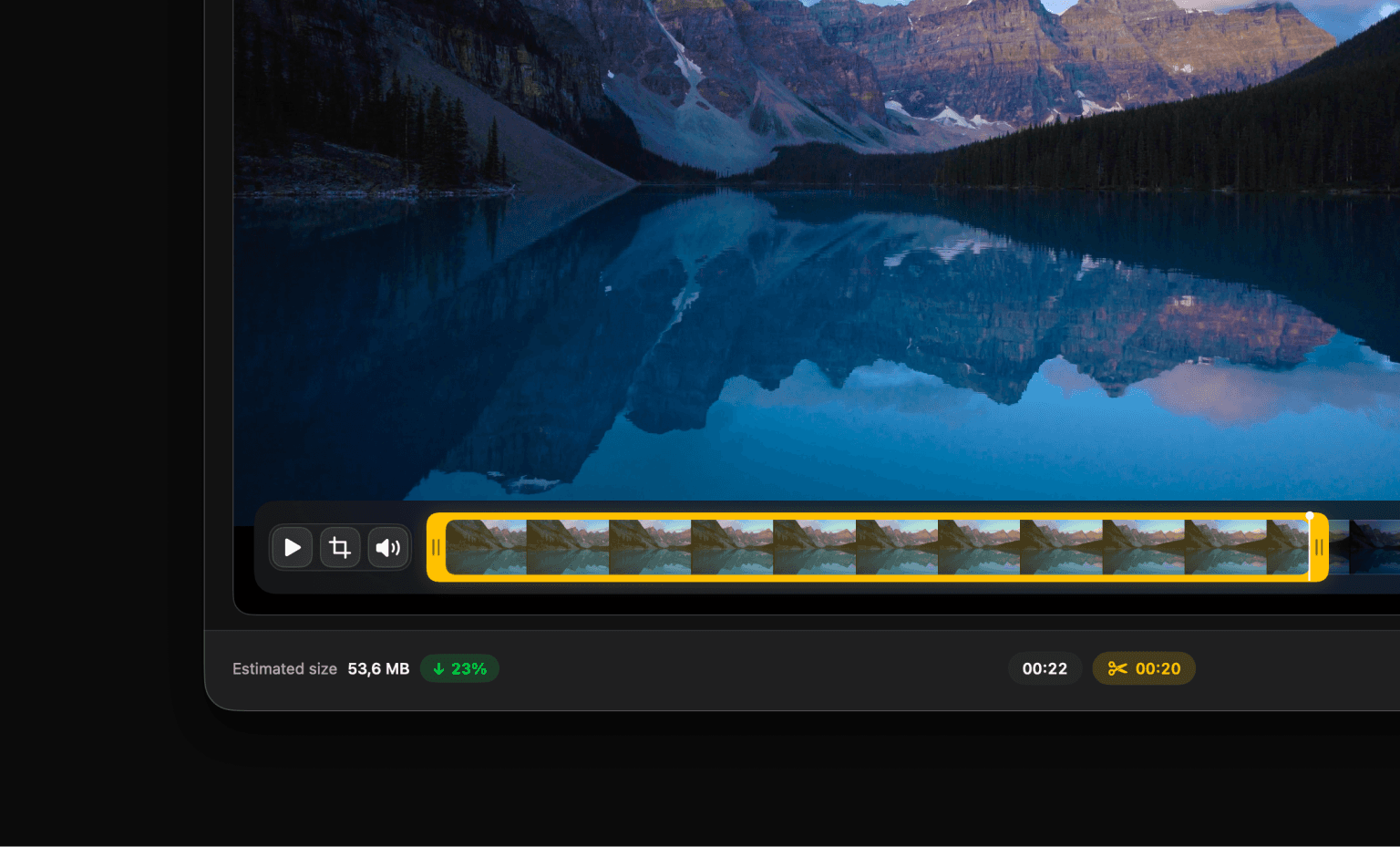
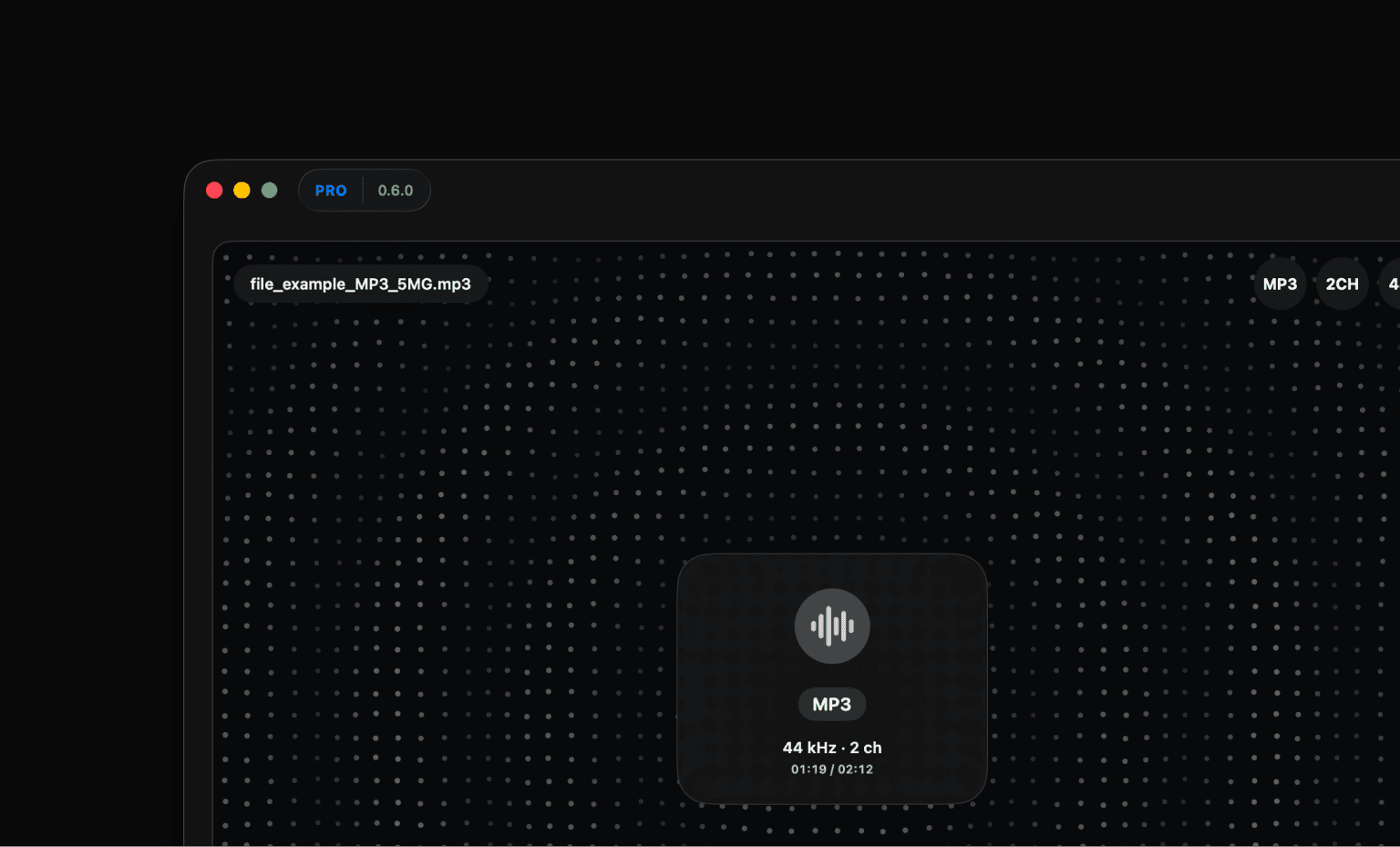
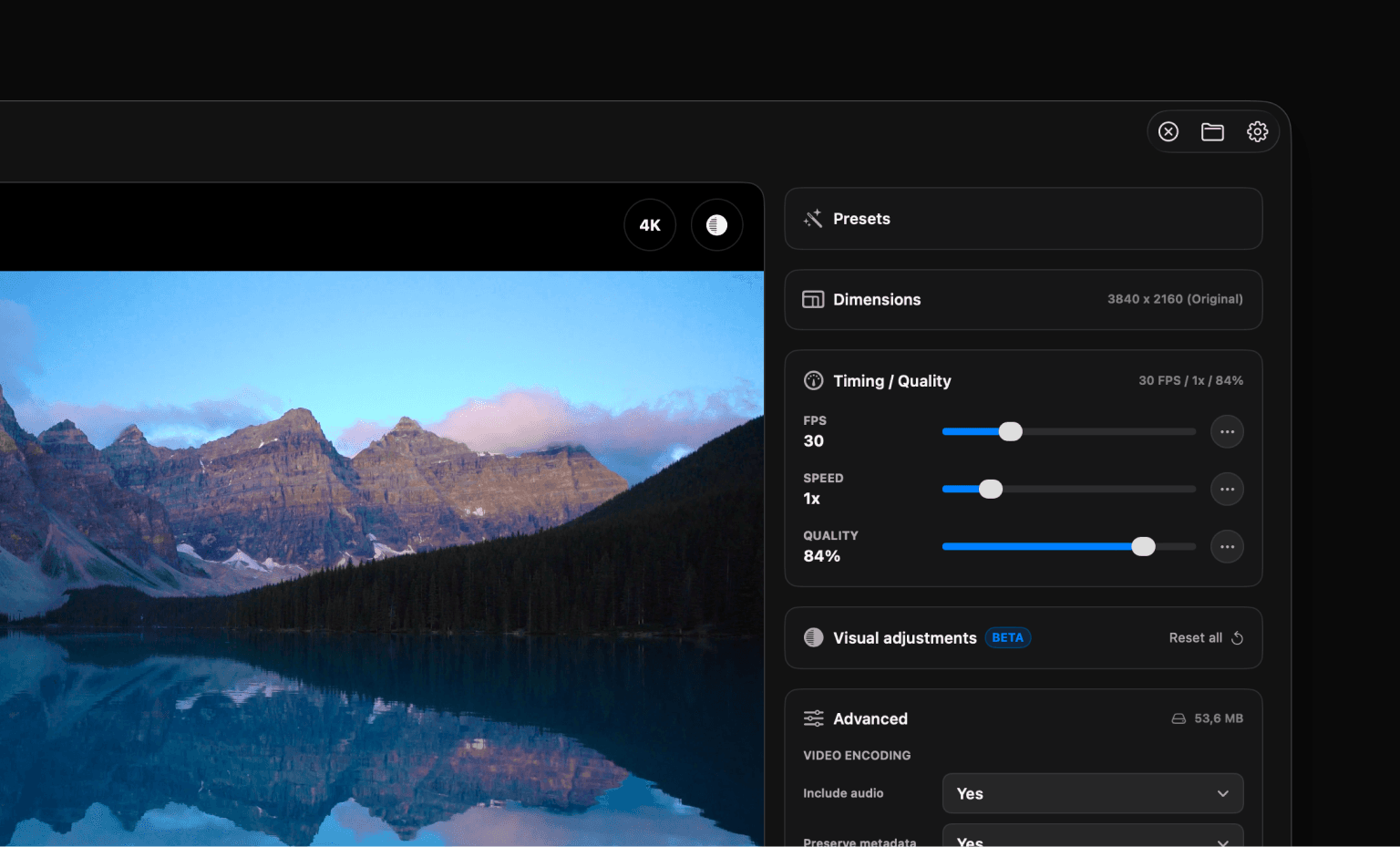
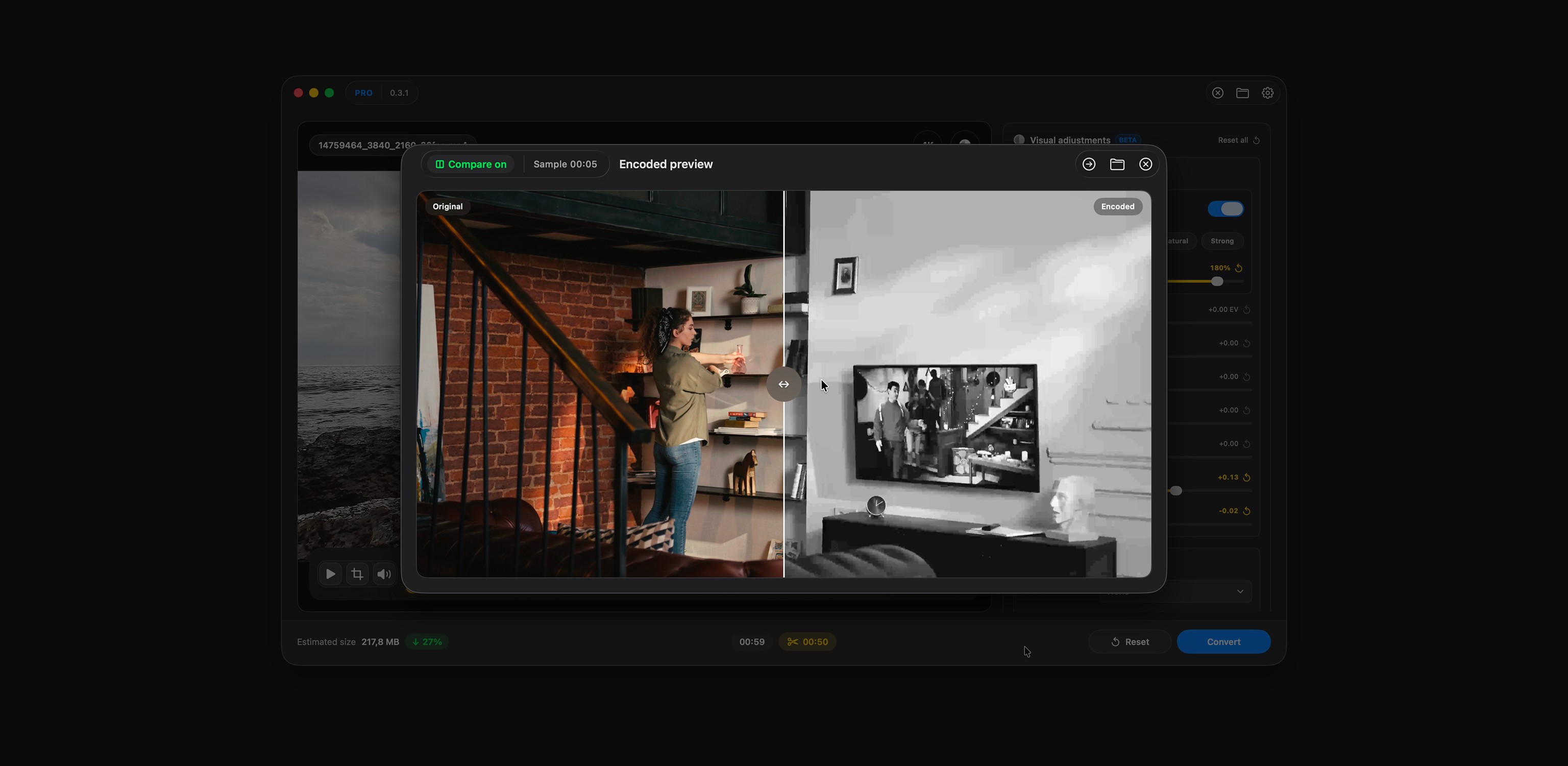
Most media converters focus on the final export. Render Room focuses on everything that happens before it. Instead of relying on trial and error, users can preview results, compare outputs, estimate file sizes, and validate settings before committing to a full conversion. Built natively for Apple Silicon Macs, Render Room uses Apple’s media frameworks and Metal acceleration to deliver fast video, GIF, audio conversion, and AI-powered upscaling. Whether you’re compressing recordings, preparing content for social media, converting audio formats, or enhancing footage up to 8K, the goal is the same: faster decisions and fewer surprises.